Back to Practice Pulse

    Dental Insurance EFTs: What Bookkeepers Need to Know
    8 min read
    Insurance & Claims
    Revenue Management
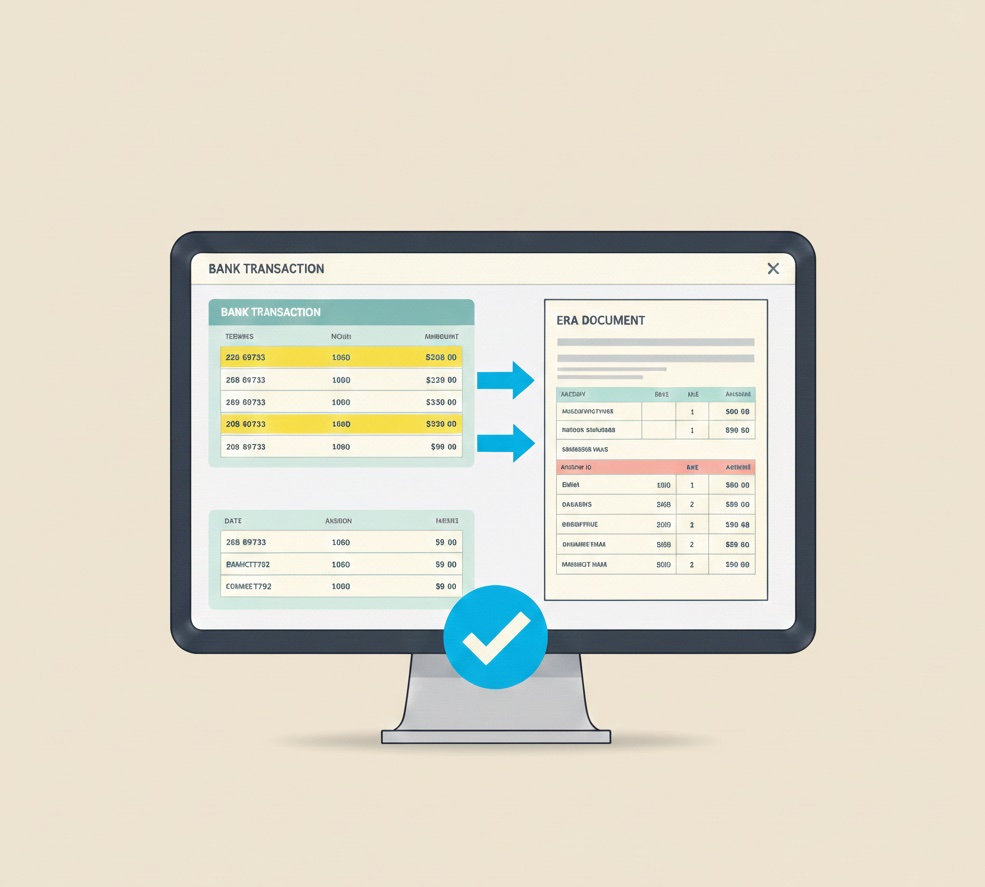
    Bookkeeper matching insurance EFT deposit to ERA document
    Share this article:

    Your dental client has $15,000 in bank deposits labeled as insurance payments. None of them match anything in the practice management system. Welcome to dental EFT reconciliation.

    The EFT Challenge for Bookkeepers

    If you are a bookkeeper serving dental practice clients, insurance EFTs are probably the most confusing part of their finances. Money appears in the bank with cryptic descriptions. The amounts do not match anything obvious. Nobody at the practice seems to know what payments cover which patients.

    This confusion is normal. Dental insurance payments work differently than the payments most businesses receive. Understanding how they work helps you reconcile accurately and adds significant value to your dental clients.

    This guide explains dental insurance EFTs from a bookkeeper's perspective, covering what they are, how to match them, and what problems to watch for.

    How Dental Insurance EFTs Work

    The Basic Flow

    When a dental practice treats an insured patient, here is what happens:

    1. Treatment provided: Dentist performs services
    2. Claim submitted: Practice sends claim to insurance company
    3. Claim processed: Insurance adjudicates the claim (days to weeks)
    4. Payment made: Insurance sends payment to practice
    5. ERA sent: Insurance sends Electronic Remittance Advice explaining the payment

    Steps 4 and 5 are where EFTs come in. The EFT is the actual money transfer. The ERA is the documentation explaining what the money is for.

    EFT Arrives as a Lump Sum

    This is the key point: insurance EFTs are lump sums covering multiple patients.

    A single $12,000 EFT might include:

    • Crown payment for Patient A
    • Preventive care for Patients B, C, and D
    • Extraction for Patient E
    • Take-back recouping an overpayment for Patient F

    Without the ERA, you have no way to know what the $12,000 covers. You just see money in the bank.

    The ERA Provides the Breakdown

    The ERA (Electronic Remittance Advice) is the key to understanding each EFT. It lists:

    • Every patient included in the payment
    • Every date of service covered
    • Every procedure paid
    • Payment amounts, adjustments, and denials
    • Reason codes explaining any modifications

    The ERA total should match the EFT deposit exactly. If they match, you have the documentation to post and reconcile correctly.

    Where to Find ERAs

    ERAs come from several sources. Knowing where to look is essential.

    Clearinghouse Portal

    Most dental practices use a clearinghouse to submit claims and receive ERAs. Common clearinghouses include:

    • Dentrix Pay (previously Dentrix Ascend)
    • DentalXChange
    • Tesia
    • Availity
    • Change Healthcare

    Ask your client which clearinghouse they use and get login credentials. ERAs are typically available for download in the clearinghouse portal.

    Insurance Payer Portals

    Some payers make ERAs available through their provider portals:

    • Delta Dental (Dentist Connection)
    • Cigna (Provider Portal)
    • MetLife (Provider Portal)
    • United Healthcare Dental

    If an ERA is not in the clearinghouse, check the relevant payer portal.

    Practice Management System

    If the practice has ERA auto-posting configured, ERAs may be accessible within the PMS itself. Check with your client about their ERA workflow.

    Paper EOBs

    Some payers still send paper Explanations of Benefits. These serve the same purpose as ERAs but require manual handling. Check with your client whether they receive paper EOBs and where they store them.

    Matching EFTs to ERAs

    The core reconciliation task is matching each EFT deposit to its corresponding ERA.

    Step 1: Identify Insurance Deposits

    Review the bank statement and identify insurance EFTs. They typically appear with descriptions like:

    • Payer name (DELTA DENTAL, CIGNA, etc.)
    • Abbreviated versions (DD, METLF, etc.)
    • Generic descriptions (INSURANCE PAYMENT, DENTAL INS)

    Note the date and exact amount of each insurance deposit.

    Step 2: Search for Matching ERAs

    For each deposit, search for an ERA that matches:

    • Amount: ERA total should equal deposit amount exactly
    • Date: ERA payment date should be close to (usually before) deposit date
    • Payer: ERA should be from the same payer

    Start with the clearinghouse, then check payer portals if needed.

    Step 3: Verify the Match

    When you find a potential match, verify:

    • Do the totals match exactly (down to the penny)?
    • Is the payer correct?
    • Does the timing make sense?

    If everything aligns, you have found your match.

    Step 4: Handle Non-Matches

    If you cannot find a matching ERA:

    • Check for multiple ERAs that might combine to the deposit amount
    • Look for ERAs slightly before or after the expected date range
    • Check if there are take-backs reducing the deposit below ERA totals
    • Contact the payer if you still cannot find documentation

    Common EFT Reconciliation Issues

    Multiple ERAs in One Deposit

    Sometimes payers combine multiple ERAs into a single bank deposit.

    How to identify: Deposit amount is larger than any single ERA, but multiple ERAs add up to the deposit.

    How to handle: Match all component ERAs to the single deposit. Document that they are linked.

    Deposit Smaller Than ERA

    The bank deposit is less than the ERA total.

    Possible causes:

    • Take-backs deducted from payment
    • Multiple payments partially netted
    • Payer error

    How to handle: Look for negative amounts on the ERA (take-backs). Check for additional ERAs. Contact payer if needed.

    ERA Without Matching Deposit

    You find an ERA but no corresponding bank deposit.

    Possible causes:

    • Payment sent as check instead of EFT
    • EFT information incorrect, payment failed
    • Payment sent to wrong account
    • Payment not yet deposited (timing)

    How to handle: Check if a check was received instead. Verify EFT information with payer. Check other bank accounts.

    Deposit Without Matching ERA

    Bank shows insurance deposit but no ERA can be found.

    Possible causes:

    • ERA not downloaded from clearinghouse
    • ERA in payer portal, not clearinghouse
    • ERA lost or deleted
    • Not actually an insurance payment

    How to handle: Search all ERA sources thoroughly. Contact payer with deposit trace number. Consider whether it might be a different type of deposit.

    Understanding ERA Contents

    To help your dental clients effectively, understand what ERAs contain.

    Header Information

    • Payer name and ID
    • Payment date and check/trace number
    • Payment amount
    • Practice information

    Patient-Level Detail

    For each patient on the ERA:

    • Patient name and ID
    • Subscriber information
    • Claim number
    • Date of service

    Procedure-Level Detail

    For each procedure:

    • Procedure code (D0120, D2750, etc.)
    • Amount billed
    • Amount allowed
    • Amount paid
    • Adjustment amount and reason code
    • Patient responsibility

    Adjustment Reason Codes

    Common codes you will see:

    • CO-45: Contractual adjustment (normal for in-network)
    • PR-1: Patient deductible
    • PR-2: Patient coinsurance
    • PR-3: Patient copay
    • CO-50: Not covered

    These codes explain why payment differs from billed amount.

    What Bookkeepers Can and Cannot Do

    What You Can Do

    Match EFTs to ERAs: Verify that every insurance deposit has corresponding documentation.

    Identify unmatched deposits: Flag deposits without ERAs for your client to investigate.

    Verify posting totals: Confirm that total insurance payments posted in PMS match total insurance deposits in bank.

    Spot patterns: Notice trends like increasing unmatched deposits or recurring payer issues.

    Reconcile monthly: Ensure total insurance revenue reconciles between PMS and bank.

    What You Typically Cannot Do

    Post payments to patient accounts: This requires PMS access and clinical knowledge.

    Appeal denials: This requires understanding of dental insurance rules and clinical documentation.

    Investigate patient-level issues: Resolving individual claim problems requires practice involvement.

    Change ERA delivery settings: This requires relationships with payers and clearinghouses.

    Your role is ensuring the financial records are accurate. The practice handles clinical and patient-specific issues.

    Working With Your Dental Client

    Establish Clear Responsibilities

    Define who does what:

    • Who downloads and manages ERAs?
    • Who posts insurance payments?
    • Who investigates unmatched deposits?
    • Who handles denial follow-up?

    Request Regular Deliverables

    Ask your client to provide:

    • Insurance payment reports from PMS monthly
    • Access to clearinghouse for ERA verification
    • Notification of unusual items or issues

    Create a Communication Process

    Establish how issues are raised:

    • Weekly email with outstanding items?
    • Shared spreadsheet of unmatched deposits?
    • Monthly call to review status?

    Set Expectations About Unmatched Items

    Some deposits will not match immediately. Define:

    • How long to investigate before escalating
    • What constitutes "resolved"
    • When to write off truly unidentifiable items

    Adding Value Beyond Matching

    Bookkeepers who understand dental EFTs can add significant value:

    Track Insurance Collection Trends

    Monitor insurance revenue month over month. Identify shifts in payer mix or collection rates.

    Identify Payer Problems

    Notice which payers consistently have unmatched deposits, slow payments, or high denial rates.

    Flag Reconciliation Issues

    Alert your client when insurance deposits do not match posted payments, indicating posting problems.

    Support Better Processes

    Recommend process improvements when you see recurring issues.

    Managing insurance EFT reconciliation for multiple dental clients? Zeldent automatically matches bank deposits to PMS records across all your practices, flagging unmatched insurance payments before they become research projects. Our multi-client dashboard gives bookkeepers instant visibility into every practice's reconciliation status. Schedule a demo to see how Zeldent makes dental client management scalable.

    Share this article:

    Ready to protect your practice revenue?

    Missed collections and revenue leaks add up quickly. With Zeldent, you can automatically safeguard your income, prevent revenue loss, and simplify dental billing in one streamlined platform.