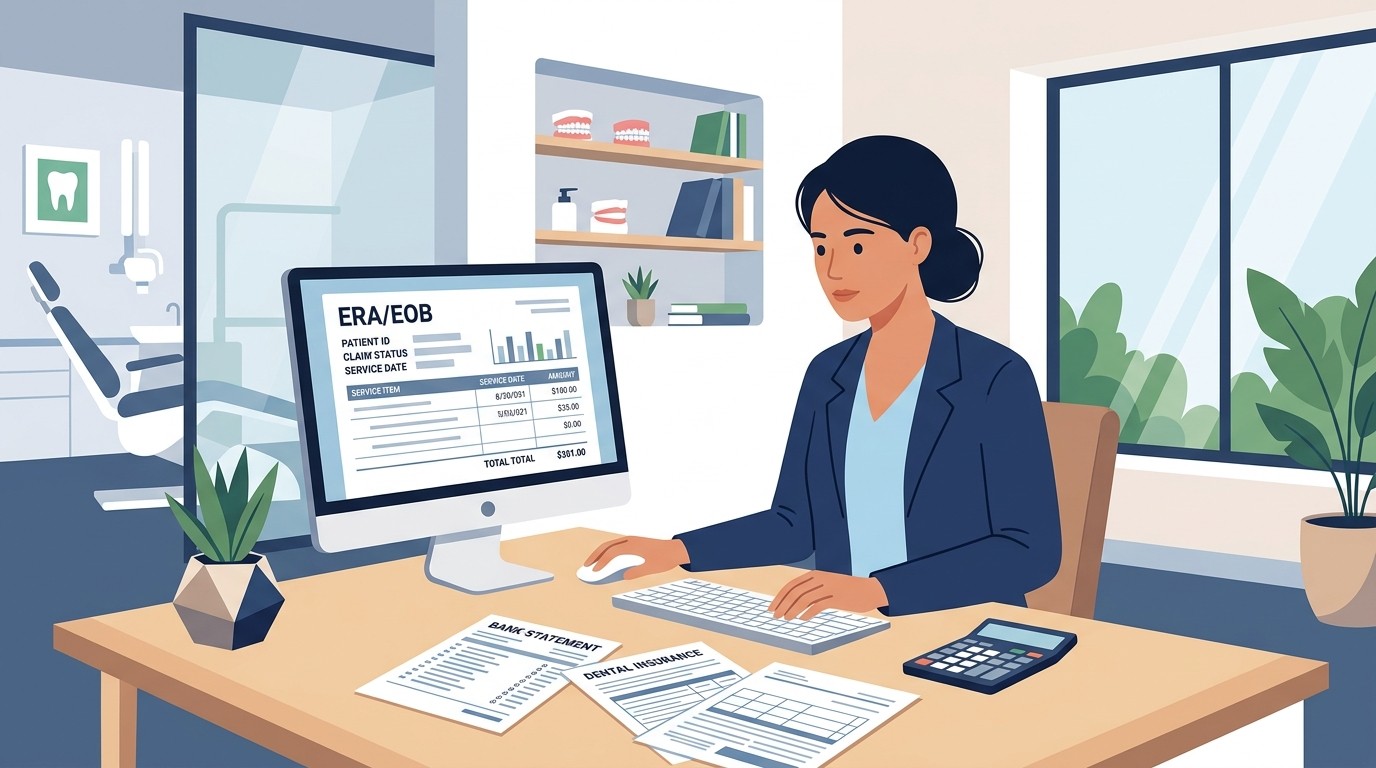
ERA vs EOB: Understanding Your Insurance Payment Documentation
Insurance Payment Quick Reference
Download the quick reference guide with ERA codes, payer portals, and troubleshooting tips for insurance payment reconciliation.
Insurance pays your claim and sends documentation. Sometimes it is electronic, sometimes paper. Understanding both formats is essential for accurate reconciliation.
📚 Part of our insurance series: This article is part of The Complete Guide to Dental Insurance Payments, covering everything from EFT enrollment to ERA matching and payer-specific workflows.
What Is an ERA?
An Electronic Remittance Advice is the electronic version of payment documentation from insurance companies. ERAs follow the HIPAA-standard 835 format, which is a structured data file that can be imported directly into practice management systems.
ERAs contain everything you need to know about a payment including payer identification, payment total and method, individual claim details with patient and subscriber information, procedure-level payment and adjustment amounts, adjustment reason codes explaining payment decisions, patient responsibility amounts, and remark codes providing additional context.
The structured format means ERAs can be processed automatically. Practice management systems can import 835 files and post payments to patient accounts with minimal manual intervention.
What Is an EOB?
An Explanation of Benefits is the human-readable version of payment documentation. EOBs are designed for patients and providers to understand what was paid and why.
EOBs contain the same basic information as ERAs but in a document format that may be paper mailed to the practice or available as PDF in payer portals. EOBs cannot be imported automatically and require manual posting of payments.
Patients also receive EOBs explaining their coverage and responsibility. Patient EOBs help them understand why they owe what they owe.
Key Differences
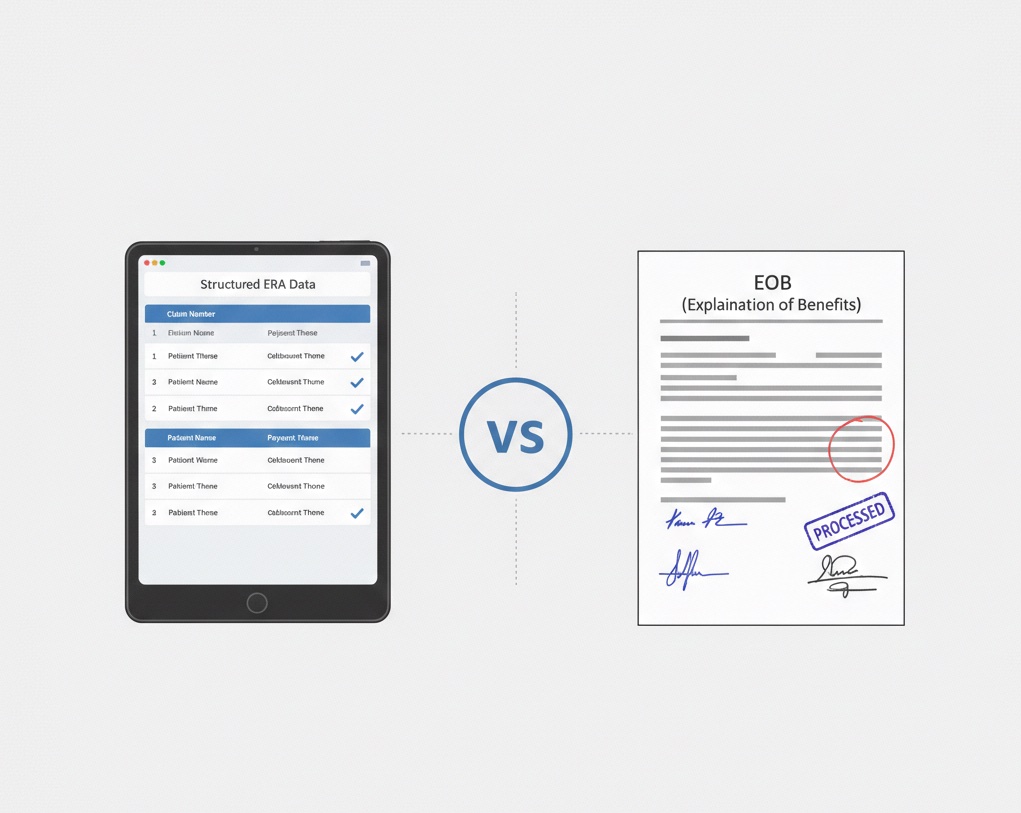
Format differs fundamentally. ERAs are electronic data files in 835 format while EOBs are documents designed for human reading.
Delivery differs as ERAs arrive electronically through clearinghouses or payer portals while EOBs may arrive by mail or as PDF downloads.
Processing differs because ERAs enable automatic posting through 835 import while EOBs require manual entry of payment information.
Timing may differ with ERAs often available before paper EOBs arrive by mail.
Detail level is similar, but ERA codes may require reference lookup while EOB descriptions are typically more readable.
Using ERAs for Reconciliation
ERAs are preferred for reconciliation because of their precision and efficiency.
Obtain ERAs through your clearinghouse for consolidated delivery from multiple payers, through individual payer portals for direct download, or through direct connection for larger organizations.
Match ERA to deposit by comparing the ERA payment total to bank deposits. Account for timing differences and multiple ERAs that may combine into single deposits.
Post payments by importing the 835 file into your PMS for automatic posting or by using the ERA as reference for manual posting. Verify posted totals match ERA totals.
Review adjustments by examining each adjustment code to understand payment decisions. Identify denials requiring follow-up and verify patient responsibility is correct.
Using EOBs for Reconciliation
EOBs are sometimes necessary when ERAs are not available or when you need the human-readable format.
Obtain EOBs from mail for paper EOBs, from payer portals as PDF downloads, or from patients who may receive and share their copies.
Match EOB to deposit by comparing the payment amount shown on the EOB to bank deposits. Multiple EOBs may combine into single deposits.
Post payments manually by entering payment and adjustment information from the EOB into your PMS. Double-check amounts for accuracy.
File documentation by retaining EOBs for reference and audit trail.
Best Practices
Prefer ERAs whenever possible for efficiency and accuracy. Configure your clearinghouse and payer connections to receive ERAs automatically.
Verify ERA delivery is working for all payers. If ERAs stop arriving, investigate and resolve quickly.
Use EOBs as backup when ERAs are not available or when you need to research payment details in a more readable format.
Reconcile ERAs to deposits before posting to catch any discrepancies early.
Retain documentation whether ERA or EOB for audit trail and reference.
Train staff on both formats so they can work effectively with whatever documentation is available.
Common Issues
Missing ERA but deposit received requires obtaining EOB from payer portal, requesting ERA reissuance, or posting manually from available information.
ERA and EOB amounts differ rarely happens but investigate if it does. Contact payer to determine correct amount.
Unfamiliar adjustment codes require reference to standard HIPAA code lists. ERA codes are standardized but may not be self-explanatory.
Multiple ERAs per deposit require matching all related ERAs to the single deposit amount.
Managing both ERAs and EOBs for reconciliation? Zeldent automatically matches insurance documentation to deposits regardless of format. Schedule a demo to see unified payment matching.
Insurance Payment Quick Reference
Download the quick reference guide with ERA codes, payer portals, and troubleshooting tips for insurance payment reconciliation.