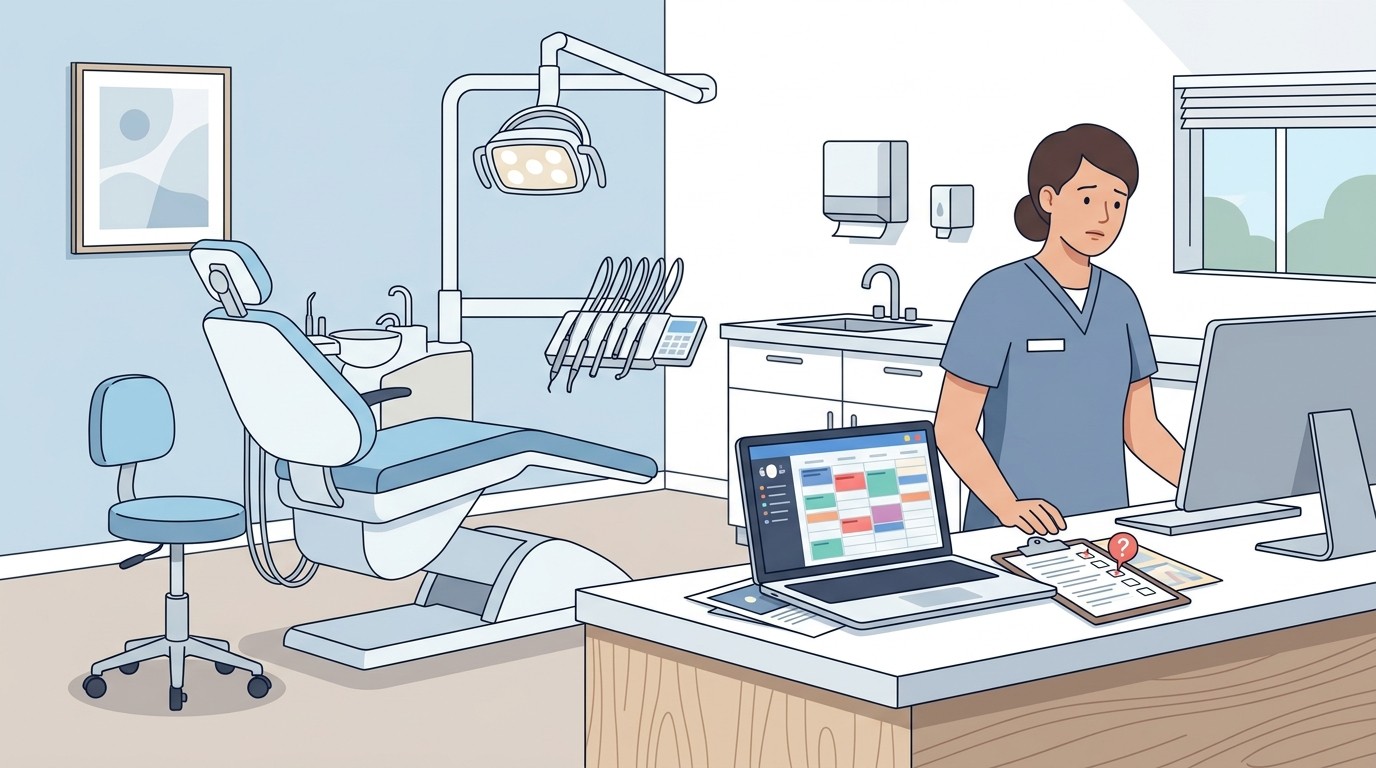
How to Automate Dental Deposit Reconciliation

If you are still matching deposits to your PMS by hand, you are spending hours on a task that software can do in seconds.
Every dental practice deals with the same daily ritual. Export the deposit report from your practice management system. Pull the bank statement. Open a spreadsheet. Start matching line by line. When something does not match, hunt through patient records until you find the discrepancy. Repeat tomorrow.
📚 Part of our reconciliation series: This article is part of The Complete Guide to Dental Practice Reconciliation, our comprehensive resource on closing your books accurately and preventing revenue leakage.
This process takes most office managers 30 to 60 minutes daily. Multiply that across a year and you are looking at 130 to 260 hours spent on a task that automated software handles in minutes. More importantly, manual reconciliation misses things. Human eyes scanning rows of numbers will overlook discrepancies that cost practices thousands annually.
Automation changes this completely. Instead of comparing numbers yourself, software pulls data from both your bank and your PMS, matches transactions automatically, and flags only the exceptions that need your attention. You review what matters instead of reviewing everything.
What Manual Reconciliation Actually Costs You
The time cost is obvious. If your office manager earns $25 per hour and spends 45 minutes daily on reconciliation, that is nearly $5,000 per year on one repetitive task. For a DSO with ten locations, multiply that by ten.
But the hidden cost is bigger. Manual processes miss discrepancies. A $200 insurance payment that posted to the wrong patient. A credit card batch that settled for $47 less than expected. A check that was recorded in the PMS but never deposited. These small gaps accumulate. The average dental practice loses between $25,000 and $50,000 annually to revenue leakage, and most of it happens in the space between what your PMS says and what your bank received.
When you reconcile manually, you are also reconciling after the fact. By the time you notice a missing deposit, it might be days or weeks old. Tracking down the source becomes harder. Sometimes you never find it at all.
How Automated Reconciliation Works
Automated reconciliation connects two data sources that currently live in separate systems — your bank and your practice management software.
On the banking side, the software establishes a secure feed that pulls deposit information automatically. Most banks support this through standard protocols. You see the same transactions you would see in online banking, just imported directly into the reconciliation tool.
On the PMS side, the software connects through an official integration or API. It pulls payment records including patient payments, insurance deposits, credit card batches, and any adjustments. The connection is read-only, so nothing in your PMS changes.
Once both data sources are connected, the software matches transactions automatically. A $1,247.50 deposit in your bank account matches to the sum of credit card payments closed on that date. An insurance EFT for $3,892.14 matches to the corresponding ERA. The software handles the matching logic that you currently do in your head or in a spreadsheet.
What you see is a dashboard showing matched transactions and flagged exceptions. Instead of reviewing hundreds of line items, you review the five or six that did not match automatically. Your daily reconciliation drops from 45 minutes to 10 minutes or less.
What You Need for Automation to Work
Not every practice is ready for automated reconciliation. Here is what you need in place.
Your PMS must support some form of data export or integration. Dentrix, Eaglesoft, Open Dental, and Curve Dental all support integrations with third-party tools. If you are on an older or less common system, check whether an API or scheduled export is available.
Your bank must support automated feeds. Most major banks and credit unions do. If you are with a small local bank, confirm they support data aggregation services. If not, you may need to switch to a bank that does — or accept that part of your reconciliation will remain manual.
You need clean data in your PMS. If your payment posting is inconsistent — some staff round amounts, others do not post insurance payments same-day, adjustments are not categorized properly — automation will flag more exceptions than necessary. Cleaning up your posting practices before implementing automation makes the transition smoother.
Finally, you need a reconciliation tool that connects both sources. This is not something your PMS or your bank provides natively. It requires a third-party solution built specifically for this purpose.
DIY Automation vs Purpose-Built Software
Some practices attempt a middle ground. They set up bank feeds into QuickBooks or their accounting software, then manually export PMS data and compare. This is partial automation. You save time on the banking side but still do manual work on the PMS side.
The problem with this approach is that it still requires human matching. You are comparing two data sets in two different formats, looking for discrepancies yourself. It is faster than pulling bank statements manually, but it does not eliminate the core inefficiency.
Purpose-built reconciliation software handles both sides automatically. The matching happens in software, not in your head. You only see exceptions — transactions where something does not line up. This is the difference between reviewing everything and reviewing only what needs attention.
The cost of dedicated software is typically offset by time savings within the first few months. When you factor in recovered revenue from caught discrepancies, most practices see positive ROI almost immediately.
What to Expect After Implementation
The first week after implementing automated reconciliation involves reviewing more exceptions than normal. The software is learning your patterns. A recurring monthly charge might flag as an exception the first time, but once you categorize it, the software recognizes it going forward.
By week two or three, your exception rate drops significantly. Most practices see 80 to 90 percent of transactions match automatically. Your daily reconciliation becomes a quick review of flagged items rather than a line-by-line audit.
You will also catch things you were missing before. Most practices discover discrepancies in the first month that had been going unnoticed — insurance payments that never deposited, credit card batches that settled short, patient payments recorded but never collected. These discoveries pay for the software.
Over time, automated reconciliation creates an audit trail you did not have before. Every transaction is logged, every exception is documented, every resolution is recorded. When your CPA asks how you verified deposits, you have a clear answer backed by data.
Common Objections and Realities
Some practice owners worry about giving software access to their bank account. Modern reconciliation tools use read-only connections. They can see transactions but cannot move money or make changes. The security risk is lower than the risk of manual processes where errors go undetected.
Others question whether automation is worth it for a single location. The math works even for smaller practices. If you save 30 minutes daily and catch even one $500 discrepancy per month, the software pays for itself. For larger practices and DSOs, the return is proportionally higher.
The most common objection is simply inertia. The current process works, more or less. But working and working efficiently are different things. Manual reconciliation works until it does not — until the missed deposit you did not catch becomes a $10,000 gap that surfaces during a practice sale or audit.
Taking the Next Step
Automating dental deposit reconciliation is not complicated, but it does require choosing the right tool and committing to the implementation. Start by evaluating your current process. How long does reconciliation take daily? How often do you find discrepancies after the fact? What would you do with an extra five to ten hours per month?
Then evaluate solutions. Look for software that integrates with your specific PMS, connects to your bank securely, and provides clear exception reporting. Ask about implementation support and ongoing customer service. The best tool is one your team will actually use consistently.
The practices that thrive financially are not necessarily the ones producing the most. They are the ones capturing every dollar they produce. Automated reconciliation is how you close that gap.
Ready to stop reconciling manually? See how Zeldent automates deposit matching for Dentrix, Eaglesoft, Open Dental, and Curve Dental practices.