How to Catch Missed Credit Card Refunds
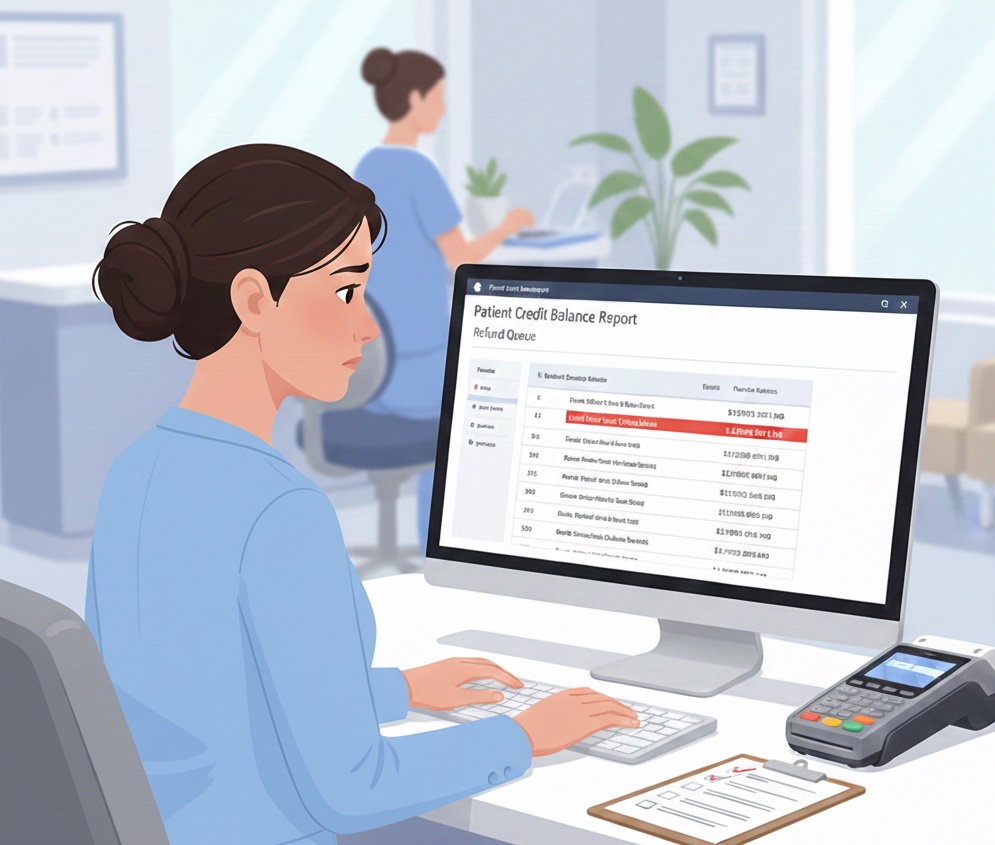
A patient overpaid six months ago. You promised a refund. It never happened. Now it is buried in your books as a credit balance you will probably write off.
📚 Part of our reconciliation series: This article is part of The Complete Guide to Dental Practice Reconciliation, our comprehensive resource on closing your books accurately and preventing revenue leakage.
The Refund That Never Got Processed
Every dental practice has them. Credit balances sitting on patient accounts. Some are legitimate overpayments waiting to be refunded. Others are posting errors that were never corrected. And a surprising number are refunds that someone promised, someone approved, but nobody actually processed.
The problem is not malicious. It is operational. Refunds require multiple steps across multiple systems. A patient calls about an overpayment. The front desk confirms the credit balance. A manager approves the refund. Someone needs to process it through the credit card terminal. Someone else needs to record it in the PMS. And someone needs to verify it actually went through.
With that many handoffs, refunds slip through constantly.
The result: patients who never received money they are owed, credit balances that accumulate on your books, and eventually write-offs that quietly drain your revenue.
How Refunds Slip Through
The Approval-to-Processing Gap
Most refunds require approval before processing. A front desk team member cannot just refund $500 without someone signing off.
This creates a delay. The approval happens, but the actual processing waits. Maybe the manager approves it verbally and forgets to follow up. Maybe the approval sits in an email that gets buried. Maybe the person who processes refunds is out sick the day the approval comes through.
By the time anyone remembers, the urgency is gone. The refund joins a mental list of things to do someday.
Terminal and PMS Disconnect
Processing a credit card refund requires two actions: running the refund through your credit card terminal and recording it in your practice management system.
These are separate systems. It is entirely possible to do one without the other.
If you process the refund on the terminal but forget to record it in PMS, the patient gets their money but their account still shows a credit balance. You might refund them again.
If you record the refund in PMS but forget to process it on the terminal, your books look correct but the patient never actually receives the money. They call to complain. You have to process it again, creating confusion about whether it was done twice.
Staff Turnover and Knowledge Loss
The person who knew about a pending refund leaves. Their replacement has no idea it was outstanding. The patient assumes it is coming. Months pass.
Refund tracking often lives in someone's head rather than in a system. When that person is unavailable, the knowledge disappears.
Patient Contact Issues
Sometimes you try to process a refund but cannot. The card on file has expired. The patient moved and you do not have current information. The original payment was made with a card the patient no longer has.
These refunds require patient outreach, which requires time and effort. They get pushed aside for more urgent tasks. Eventually, they are forgotten entirely.
The Cost of Unprocessed Refunds
Direct Financial Impact
Unprocessed refunds represent money you owe but have not paid. This is a liability on your books.
If you eventually write off these credit balances, you are essentially keeping money that belongs to patients. Beyond the ethical issues, this can create legal and compliance exposure.
Patient Relationship Damage
Patients remember when you owe them money. A patient waiting for a $200 refund that never arrives is not going to refer friends to your practice. They might leave a negative review. They will certainly be skeptical of any future billing.
The cost of a damaged patient relationship far exceeds the refund amount.
Operational Burden
Credit balances clutter your accounts receivable reports. They make it harder to identify real collection issues. Staff spend time responding to patient inquiries about refunds that should have been processed months ago.
Every unprocessed refund creates future work that could have been avoided.
Audit and Compliance Risk
Accumulated credit balances raise questions during audits. Why do you have $40,000 in patient credit balances? How old are they? Have you attempted to refund them?
Some states have escheatment laws requiring you to turn over unclaimed funds after a certain period. Ignoring credit balances does not make them go away legally.
Building a Refund Tracking System
Create a Refund Log
Every refund request should be documented in a central log. This can be a spreadsheet, a dedicated section in your PMS, or a task management system.
For each refund, record:
- Patient name and account number
- Original payment date and amount
- Refund amount requested
- Reason for refund
- Date refund was requested
- Who approved the refund
- Date approved
- Date processed on terminal
- Date recorded in PMS
- Confirmation that patient received funds
This log becomes your single source of truth for refund status.
Assign Clear Ownership
One person should own the refund process. They do not have to do every step personally, but they are responsible for ensuring every refund moves from request to completion.
This person reviews the refund log daily or weekly. They follow up on pending items. They escalate stuck refunds.
Without clear ownership, refunds fall between the cracks of shared responsibility.
Set Processing Deadlines
A refund requested today should be processed within a defined timeframe. Three business days is reasonable for most practices.
Build this deadline into your workflow. If a refund sits pending for more than three days, it should trigger an alert or escalation.
Urgency prevents the slow drift into forgotten.
Verify Completion
Processing a refund is not the same as completing a refund. Verify that:
- The terminal shows the refund in a settled batch
- The PMS shows the credit balance reduced or eliminated
- The merchant account shows the refund deducted from a deposit
Until all three align, the refund is not truly complete.
Reconcile Monthly
At month end, review all credit balances on patient accounts. For each one, ask:
- Is this a legitimate credit awaiting refund?
- Has a refund been requested?
- Has a refund been processed but not recorded?
- Is this a posting error that should be corrected?
Credit balances should not accumulate indefinitely. If a balance has sat for 90 days without resolution, something is wrong with your process.
Red Flags to Watch
Growing Total Credit Balances
Track your total patient credit balance over time. If it keeps increasing, refunds are not being processed fast enough, or posting errors are accumulating.
A healthy practice should see credit balances remain relatively stable, with new credits offset by processed refunds.
Repeat Patient Inquiries
If the same patient calls multiple times asking about a refund, your process failed. Once is a reasonable follow-up. Twice indicates a tracking problem. Three times is a system failure.
Refunds Older Than 90 Days
Any refund pending for more than 90 days needs immediate attention. Either process it, resolve the underlying issue, or document why it cannot be completed.
Old refunds do not age into acceptability. They age into liability.
Discrepancies Between PMS and Merchant Account
If your PMS shows more refunds than your merchant account, you have recorded refunds that were never actually processed. Patients are still waiting for money.
If your merchant account shows more refunds than your PMS, you have processed refunds without recording them. Your books are wrong.
Either discrepancy needs investigation.
Staff Uncertainty About Process
If you ask your team how to process a refund and get different answers, you have a training and documentation problem. Inconsistent processes lead to inconsistent results.
Monthly Refund Audit Process
Set aside time each month to audit your refund handling:
Step 1: Pull All Credit Balances
Run a report showing every patient account with a credit balance. Sort by age, oldest first.
Step 2: Categorize Each Balance
For each credit balance, determine:
- Pending refund (approved, awaiting processing)
- Refund in progress (processed, awaiting settlement)
- Unapplied payment (needs to be applied to services)
- Posting error (needs correction)
- Unknown (needs investigation)
Step 3: Take Action on Aged Items
Any credit balance older than 60 days should have a clear action plan. Process the refund, correct the error, or document why it remains.
Step 4: Reconcile to Merchant Account
Compare your PMS refund records to your merchant account refund records for the month. They should match.
Step 5: Update Tracking
Record the results of your audit. Note any process improvements needed. Track whether total credit balances are trending up or down.
Preventing Refund Problems
Collect Accurately in the First Place
Many refunds result from overcollection. If you collect accurate patient portions upfront, you create fewer credit balances.
Verify insurance benefits before quoting. Update fee schedules regularly. Train staff on accurate estimation.
Process Refunds Promptly
The longer a refund waits, the more likely it is to be forgotten. Make same-week processing the standard, not the exception.
Keep Patient Contact Information Current
When a refund requires patient outreach, outdated contact information stops progress. Verify contact details at every visit.
Document Everything
Every refund-related communication should be documented in the patient record. Phone calls, emails, approvals, processing attempts. If someone needs to pick up where another left off, the history should be clear.
Review Credit Balances in Team Meetings
Make credit balance review a regular agenda item. When the team knows credit balances will be discussed, they pay more attention to processing refunds.
The Payoff of Proper Refund Management
Practices that manage refunds well enjoy:
Cleaner books. Credit balances stay low. Reports are meaningful. Audits are painless.
Happier patients. Refunds arrive promptly. Patients feel respected. Relationships stay strong.
Less staff stress. No one dreads the angry call about a missing refund. The process is clear and followed.
Reduced liability. You are not sitting on money that belongs to others. Compliance concerns fade.
Better cash flow visibility. You know which credit balances are real liabilities and which are errors. Financial planning improves.
Want to catch refund discrepancies automatically? Zeldent compares your PMS records to your merchant account daily, flagging refunds that were recorded but never processed. Schedule a demo to see how automated reconciliation protects your patient relationships and your revenue.