Reconciling Square, Stripe, and Patient Portal Payments
Patients love paying online. Your reconciliation process might not feel the same way.
📚 Part of our reconciliation series: This article is part of The Complete Guide to Dental Practice Reconciliation, our comprehensive resource on closing your books accurately and preventing revenue leakage.
The Convenience Trade-Off
Online payments have transformed how patients pay for dental care. Patient portals allow balance payments from home. Text-to-pay links enable quick settlement after appointments. Square terminals at the front desk offer tap-to-pay convenience. Payment flexibility improves patient satisfaction and often accelerates collections.
But each payment channel adds reconciliation complexity. Unlike a single credit card terminal depositing to a single merchant account, online payments flow through multiple platforms with different settlement timelines, fee structures, and reporting formats. Money that once moved in predictable patterns now takes multiple paths to your bank account.
Practices that add online payment options without adapting their reconciliation processes often discover gaps. A payment made through the patient portal does not appear in the PMS the same way a front desk card swipe does. A Square deposit includes transactions from multiple days batched together. Stripe fees deducted before settlement confuse staff expecting gross deposits.
The solution is not to avoid online payments. Their benefits for patient experience and collection efficiency are too significant. The solution is adapting reconciliation processes to handle the complexity these platforms create.
How Online Payments Flow Differently
Understanding the payment flow helps explain why online reconciliation requires different approaches than traditional point-of-sale transactions.
Traditional front desk payments follow a direct path. Patient presents card, staff processes transaction through terminal integrated with PMS, payment posts immediately to patient account, funds settle to merchant account within one to three days. The PMS record and the bank deposit connect clearly.
Patient portal payments take a different route. Patient logs into portal, initiates payment, payment processes through the portal's payment gateway, and a record may or may not automatically post to the PMS depending on integration. The payment might settle to a different merchant account than front desk transactions. Timing between payment initiation and PMS posting may vary.
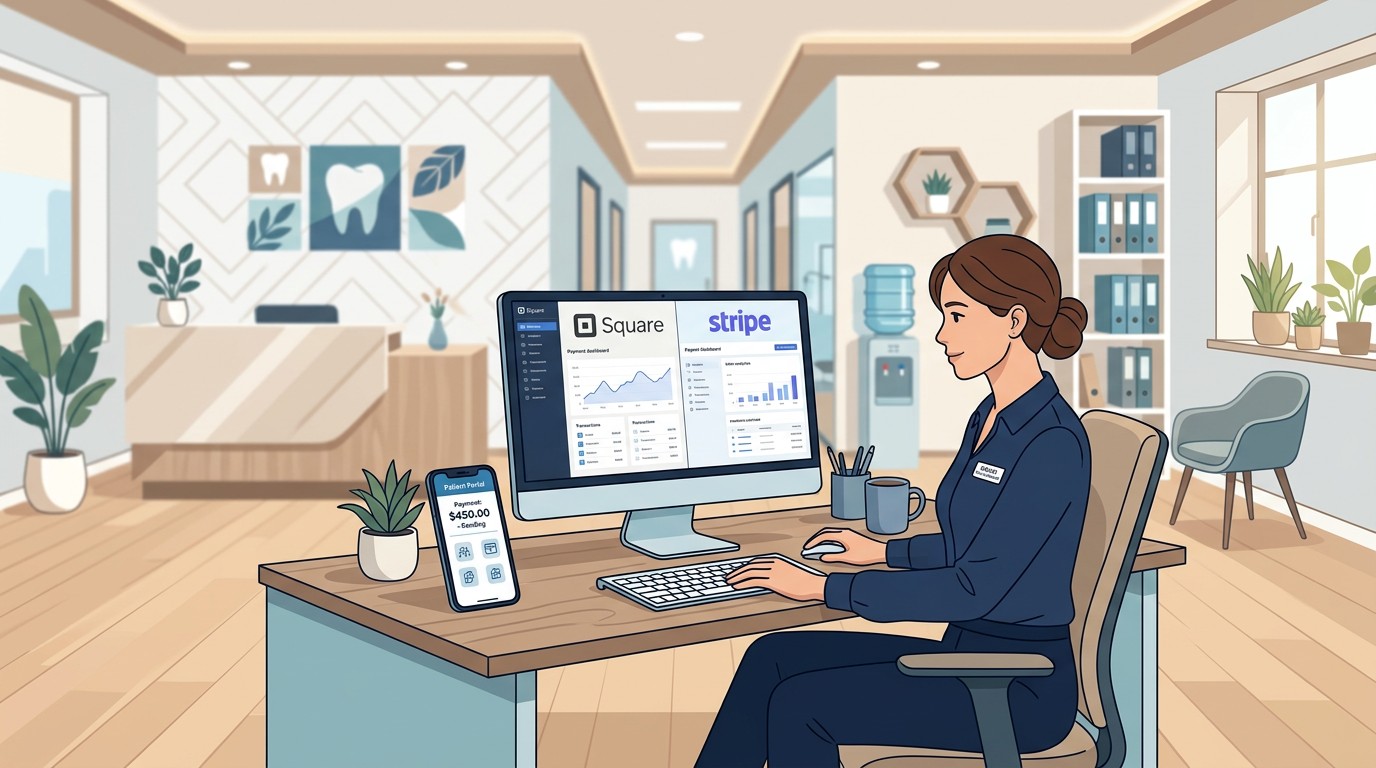
Third-party platforms like Square or Stripe add another layer. These platforms have their own settlement schedules, often batching multiple transactions into single deposits. They deduct fees before depositing, so deposits are net rather than gross. Their reporting systems are separate from your PMS, requiring manual matching or integration.
Text-to-pay and email payment links might use your primary processor, a separate service, or the portal's gateway depending on how they are configured. Each configuration creates different reconciliation requirements.
Platform-Specific Considerations
Each payment platform has characteristics that affect reconciliation.
Square batches transactions and settles daily for most accounts, though timing can vary. Square deducts fees before depositing the net amount. The Square dashboard shows transaction detail, but matching to your PMS requires either integration or manual comparison. Square deposits appear in your bank account with identifiers that may or may not be immediately obvious.
Stripe similarly batches transactions with a rolling settlement schedule, typically two business days after the transaction. Stripe provides detailed reporting through its dashboard and API, including fee breakdowns and payout summaries. Stripe integrations with dental software vary in quality and capability.
Patient portal payments depend on the portal provider and their payment gateway. Some portals integrate tightly with specific PMS platforms, posting payments automatically. Others require manual posting after payment confirmation. Fee structures vary based on the portal's payment processing arrangements.
Integrated payment terminals connected to your PMS often provide the smoothest reconciliation because payment and PMS posting happen together. However, these may have limitations for online or remote payments.
Payment aggregators that accept multiple payment types through a single system simplify some aspects but may obscure detail needed for proper reconciliation.
Building Your Reconciliation Process
Effective online payment reconciliation requires systematic processes tailored to your specific platform mix.
Inventory all payment channels. Document every way patients can pay your practice, what platform processes each payment type, where funds deposit, and how (or whether) payments post to your PMS. This inventory reveals the reconciliation requirements.
Understand settlement timelines for each platform. When does Square deposit yesterday's transactions? How long does Stripe take? When do portal payments appear in your bank? Knowing these patterns prevents false alarms when payments are simply in transit.
Map fee structures. What percentage does each platform charge? Are fees deducted before deposit or billed separately? Expected deposit amounts depend on understanding fee deductions.
Establish daily matching routines. For each platform, compare transaction reports to PMS entries and bank deposits. Identify discrepancies early while investigation is straightforward.
Create exception procedures. When a patient reports paying but no payment appears, where do you look first? Having systematic investigation steps speeds resolution.
Daily Matching Workflows
A structured daily workflow keeps online payment reconciliation manageable.
Start with platform reports. Log into Square, Stripe, your patient portal, and any other platforms used. Pull transaction summaries for the relevant period. Note totals and any unusual activity.
Compare to PMS records. Do payments recorded in your PMS match what the platforms show? Look for missing entries where platforms show payments but PMS does not, duplicate entries where PMS shows the same payment multiple times, and amount discrepancies where PMS shows different amounts than platforms.
Verify bank deposits. Do deposits match expected amounts from platform reports, accounting for fees? If a platform shows $2,000 in transactions with 2.9% fees, expect approximately $1,942 in deposits, not $2,000.
Investigate discrepancies immediately. Fresh discrepancies are easier to resolve than aged ones. The patient who paid yesterday remembers doing so. Three months later, details fade.
Document your reconciliation. Record that you completed the process, what you found, and how you resolved any issues. This documentation demonstrates financial controls and creates an audit trail.
Common Discrepancy Patterns
Certain discrepancy types appear frequently with online payments.
Payments that settle but do not post to PMS are common with portals lacking tight integration. The patient paid, the money arrived, but nobody updated the patient's account. This leaves the patient showing a balance they believe they paid.
Duplicate PMS entries happen when staff post a payment manually after it already posted automatically, or when they post based on the patient saying they paid without verifying. The account shows overpayment or credit.
Timing mismatches confuse daily reconciliation. A payment made Friday evening might not settle until Monday or later. If you reconcile Monday morning expecting Friday's payments, they appear missing until settlement completes.
Refund confusion occurs when platforms process refunds differently than original payments. A refund might appear as a separate transaction, as a negative in a batch, or as a deduction from the next deposit. Understanding your platforms' refund handling prevents incorrect conclusions.
Partial payments through portals sometimes post incorrectly. If a patient pays $50 toward a $200 balance, does the posting correctly allocate to outstanding charges? Misallocation creates apparent discrepancies even when totals match.
Integrating with Your PMS
Integration between payment platforms and your PMS reduces manual reconciliation burden but requires proper configuration.
Evaluate integration options for each platform you use. Some PMS systems have native integrations with Square, Stripe, or patient portals. Third-party tools might bridge gaps. Understand what integrations exist and what they actually do.
Automatic posting integration is most valuable. When a portal payment automatically creates a payment record in your PMS, matched to the correct patient and applied to appropriate charges, manual work largely disappears. Verify this actually happens correctly by spot-checking.
Report synchronization is useful even without automatic posting. If you can pull platform transaction data into your PMS for comparison, matching becomes easier even if posting remains manual.
Bank feed integration connects your PMS to banking data, enabling automated matching between expected deposits and actual deposits. This complements platform integration by verifying funds actually arrived.
Test integrations thoroughly before relying on them. Process test transactions and verify every step works correctly. Integration bugs can create as many problems as they solve if undiscovered.
Handling Multiple Bank Accounts
Different payment platforms may deposit to different bank accounts, adding another reconciliation dimension.
Some practices keep a single merchant account receiving all card transactions. Others have separate accounts for different purposes or inherit multiple accounts through acquisitions or platform requirements.
Map which platforms deposit where. Your integration might use your primary merchant account while Square deposits to a separate Square-managed account. Patient portal payments might go somewhere else entirely.
Reconcile each account appropriately. Your daily process should cover all accounts where patient payments land, not just your primary operating account.
Consider consolidation if multiple accounts create unnecessary complexity. Sometimes separate accounts exist for historical reasons that no longer apply. Simplification reduces reconciliation burden.
Monitor all accounts for unexpected activity. An account receiving few transactions might be overlooked, allowing problems to accumulate unnoticed.
Training Staff on Online Payments
Front office staff need training specific to online payment handling.
Explain how each payment channel works. Staff should understand that a portal payment is different from a front desk payment, that different platforms have different timelines, and that reconciliation requirements vary.
Clarify manual posting requirements. If portal payments require manual PMS entry, who does it and when? Clear responsibility prevents payments from falling through cracks.
Train verification procedures. Before posting a payment manually, staff should confirm it actually processed through the platform. Posting based solely on patient statements can create errors.
Address patient questions confidently. When patients ask about online payments, staff should be able to explain options, timing, and how to verify payments were received.
Establish escalation paths. When something does not match, staff should know who to notify and what information to gather. Quick escalation prevents small issues from becoming large problems.
Monitoring and Reporting
Ongoing monitoring ensures online payment channels continue functioning properly.
Track online payment volume trends. Is portal usage growing? Are text-to-pay links effective? Understanding channel utilization informs investment and training decisions.
Monitor discrepancy rates by channel. If one platform consistently creates more reconciliation issues than others, investigate whether integration, training, or platform selection needs attention.
Review fee costs regularly. Payment processing fees vary significantly between platforms. Understanding your effective rate for each channel enables informed decisions about which options to emphasize.
Compare collection speed by channel. Do patients who pay online pay faster than those who receive paper statements? Quantifying benefits justifies continued investment in online capabilities.
Report to practice leadership. Online payment performance affects both revenue and patient experience. Regular reporting keeps leadership informed and supports resource allocation decisions.
Making Online Payments Work
Online payment capabilities benefit practices and patients when implemented thoughtfully. The convenience patients experience and the collection acceleration practices achieve are real and valuable.
But these benefits only materialize fully when reconciliation processes adapt to handle the complexity online payments create. Treating all payments identically when they actually flow through different platforms with different characteristics leads to gaps, discrepancies, and confusion.
The investment in platform-specific reconciliation processes pays off through accurate financial records, timely discrepancy resolution, and confidence that patient payments are properly tracked regardless of how they arrive.
Zeldent reconciles all payment types including online payments through Square, Stripe, and patient portals. Our automated matching connects platform transactions to PMS records and bank deposits, flagging discrepancies across all your payment channels. Schedule a demo to see how Zeldent simplifies online payment reconciliation.