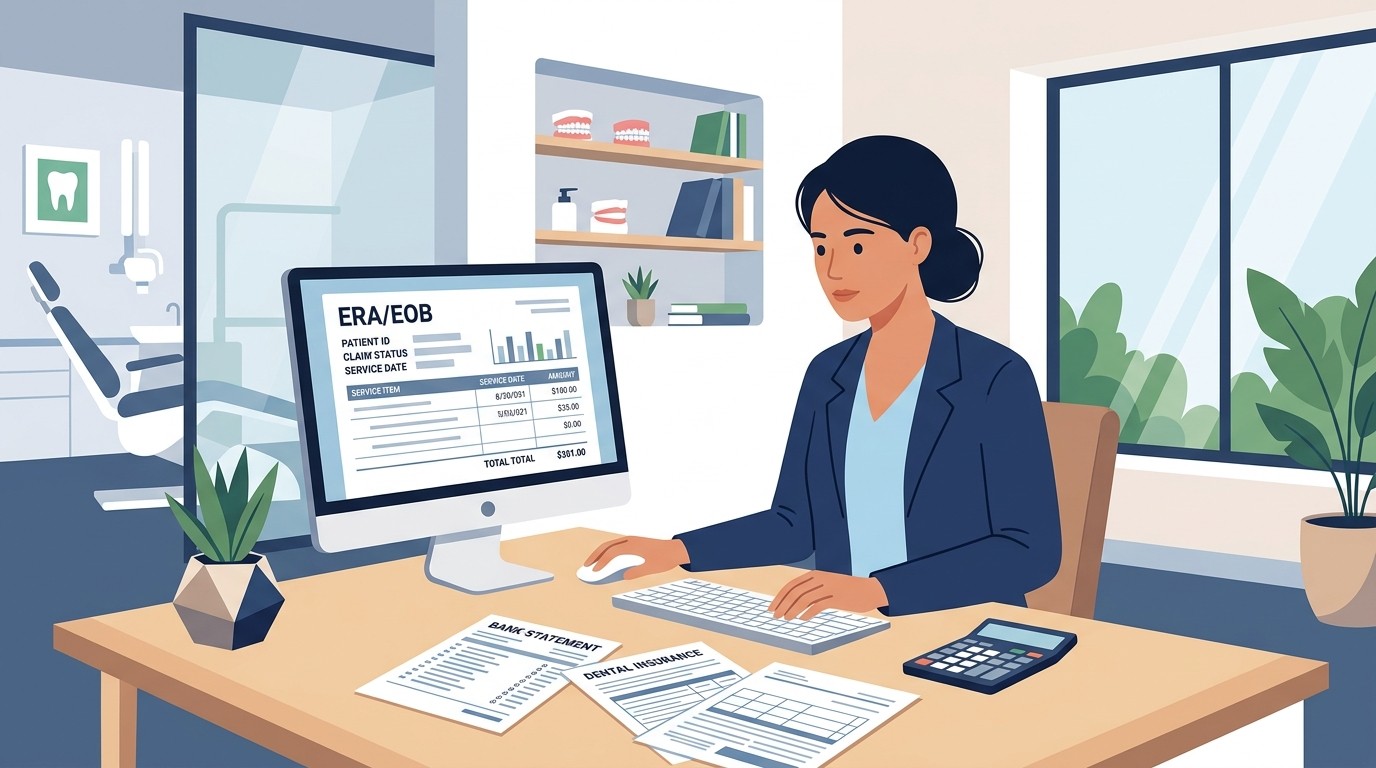
Guardian Dental Payment Reconciliation: Portal Tips and ERA Matching

Insurance Payment Quick Reference
Download the quick reference guide with ERA codes, payer portals, and troubleshooting tips for insurance payment reconciliation.
Guardian dental payments landed in your account. Here is how to match them to patients, decode the ERA, and catch discrepancies before they cost you money.
Guardian Life Insurance Company is one of the largest dental insurers in the United States, covering over 14 million members through employer-sponsored plans. For dental practices, Guardian payments are generally straightforward but require attention during reconciliation — especially when multiple claims combine into single deposits.
📚 Part of our insurance series: This article is part of The Complete Guide to Dental Insurance Payments, covering everything from EFT enrollment to ERA matching and payer-specific workflows.
This guide covers how Guardian dental payments work, how to navigate their provider portal, and how to match deposits to ERAs accurately.
Understanding Guardian Dental Plans
Guardian offers several dental product types, and understanding which plan a patient has helps set payment expectations.
Guardian DentalGuard Preferred is their PPO product. Patients can see any dentist but receive higher benefits with in-network providers. These plans have traditional deductibles, annual maximums, and coinsurance.
Guardian DentalGuard is a traditional indemnity plan with more flexibility but typically lower benefit percentages.
Guardian Managed Dental (DHMO) plans require patients to choose a primary care dentist. Payments follow a copay schedule rather than claims processing.
Guardian also offers discount plans that are not insurance. These members pay your full fee with a discount applied. No claims are filed and no Guardian payments will arrive for these patients.
How Guardian Dental Payments Arrive
Guardian strongly encourages electronic payments. Most practices enrolled with Guardian receive EFT deposits directly to their bank account. Bank descriptions typically show Guardian, Guardian Life, or similar variations along with a trace number.
EFT enrollment is managed through the Guardian Anytime provider portal. If you are not yet enrolled, paper checks arrive by mail with attached EOB documentation. Enrolling in EFT speeds payment receipt and simplifies reconciliation.
Guardian also offers virtual credit card payments. Many practices decline VCC due to processing fees. You can specify EFT-only payment preference in your provider enrollment settings.
Payments typically arrive three to five business days after Guardian finalizes the claim. Check claims can take longer due to mailing time.
Navigating the Guardian Anytime Portal
Guardian uses their proprietary Guardian Anytime portal at guardiananytime.com for provider functions. This is separate from the member portal.
Registration requires your Tax ID, NPI, and practice information. Once registered, you can add staff members with appropriate access levels for different functions.
Key portal functions for reconciliation include eligibility and benefits verification, claims status tracking, remittance and payment search, and ERA downloads in 835 format or viewable summaries.
To find ERAs for reconciliation, log into Guardian Anytime, navigate to the Claims and Eligibility section, select Payment and Remittance, and search by date range, amount, or check/EFT trace number. ERAs can be downloaded individually or in batches.
If you use a clearinghouse, Guardian ERAs may also route there automatically. Configure your preferred ERA delivery method and verify it is working correctly.
Matching Guardian Deposits to ERAs
Start by identifying the Guardian deposit in your bank account. Record the exact deposit amount, deposit date, bank description, and trace number.
In Guardian Anytime, search for matching ERAs. Navigate to Payment and Remittance and search using your date range around the deposit date or the specific trace number from your bank statement.
Guardian frequently combines multiple claims into a single deposit. If your deposit does not match any single ERA, look for multiple ERAs from the same date range that sum to the deposit total. For practices with many Guardian patients, a single deposit may contain dozens of individual claim payments.
Once you locate the ERA or ERAs, verify the match. Confirm that the sum of ERA totals equals the deposit exactly. Check that trace numbers align. Review the timing to ensure it makes sense.
Before posting payments, review each claim on the ERA. Verify patients are yours and service dates are correct. Review allowed amounts against your fee schedule. Check contractual adjustments for accuracy. Note patient responsibility amounts for billing. Flag denied claims for follow-up.
Understanding Guardian ERA Codes
Guardian uses standard ANSI reason codes and remark codes on their ERAs, but some appear more frequently than others.
CO-45 indicates a contractual adjustment. This is the difference between your billed amount and Guardian's allowed amount. Post this as a provider adjustment, not patient responsibility.
PR-1 indicates a deductible amount. This is the patient's responsibility and should transfer to their balance.
PR-2 indicates coinsurance. This is also patient responsibility.
PR-3 indicates copay amounts for DHMO plans.
CO-4 indicates the procedure code is not covered. Review the specific claim to determine if an alternative code should have been used or if the service is genuinely not covered.
CO-97 indicates payment already made for this service. Check for duplicate claim submission.
CO-18 indicates duplicate claim or service. Guardian believes they already paid for this service for this patient.
CO-29 indicates the time limit for filing has expired. Late claims are denied.
Common Guardian Reconciliation Issues
Deposits that do not match any ERA require investigation. First, expand your date range in the portal. Guardian may release payment a day or two before the ERA posts. Second, check your clearinghouse if you receive ERAs there. Third, verify the deposit is actually from Guardian and not a similarly named payer.
Partial payments occur when Guardian pays less than expected. The ERA remark codes explain why. Common causes include patient deductible not yet met, annual maximum reached, waiting period for certain procedures, frequency limitations such as cleanings every six months, and downgrading to a less expensive procedure code.
Missing claims require status checks in the portal. Navigate to Claims Status and search by patient name, date of service, or claim number. The claim may be pending, may require additional information, or may have been denied.
Overpayments happen occasionally when Guardian pays the same claim twice after a reprocessing or appeal. Document overpayments immediately. Guardian will eventually request the money back, and having documentation prevents disputes about what was paid.
Coordination of benefits complications arise when patients have dual coverage. If Guardian is secondary, ensure the primary EOB was submitted with the claim. If Guardian is primary, their payment should process normally regardless of secondary coverage.
Posting Guardian Payments Correctly
Post the exact deposit amount as shown on the ERA. Do not round or estimate. Apply payment to the specific patients and procedures listed on the ERA.
Post contractual adjustments using your standard adjustment code. These are not patient responsibility and should not appear on patient statements.
Transfer patient responsibility amounts to patient balances. The ERA specifies exactly what the patient owes for deductibles, coinsurance, and non-covered services.
For denied claims, post a zero payment with the denial reason noted. Create a follow-up task if the denial can be appealed or corrected.
Document the ERA trace number in your PMS when posting. This creates an audit trail linking bank deposits to specific payments.
Daily Reconciliation Workflow
Establish a consistent workflow for Guardian payments. Each morning, check your bank for Guardian deposits. Log into Guardian Anytime and search for ERAs matching those deposits. Download and review ERAs before posting. Post payments same-day when possible. Research and document any discrepancies immediately.
At end of day, verify your total posted Guardian payments match the bank deposit. Run a deposit report from your PMS and compare. Every dollar should be accounted for.
Weekly, review any unresolved Guardian discrepancies. Claims older than seven days without resolution become harder to research. Monthly, analyze your Guardian collection rate compared to billed amounts. Consistent underpayment may indicate fee schedule or contract issues.
Tips for Efficient Guardian Reconciliation
Download ERAs in 835 format if your PMS can import them. Automatic import reduces manual posting and errors.
Set up ERA auto-delivery through your clearinghouse so ERAs arrive without manual download from the portal.
Create a Guardian-specific posting batch in your PMS. This makes it easier to balance and audit Guardian payments separately.
Train all billing staff on Guardian's common codes and processes. Consistency prevents errors that create reconciliation problems.
Consider automation tools that match Guardian deposits to ERAs automatically. Manual matching works but consumes time that could be spent on higher-value activities.
Tired of manually matching Guardian payments? See how Zeldent automates insurance reconciliation and catches discrepancies before they become lost revenue.
Insurance Payment Quick Reference
Download the quick reference guide with ERA codes, payer portals, and troubleshooting tips for insurance payment reconciliation.