What to Look for in Dental Reconciliation Software

Not all reconciliation software is created equal. Here is how to evaluate your options and choose the right tool for your practice.
If you have decided to automate your deposit reconciliation, the next question is which software to use. The market includes everything from basic bank feed integrations to purpose-built dental reconciliation platforms. Choosing the wrong tool wastes money and creates new problems. Choosing the right one saves hours weekly and catches revenue you were missing.
📚 Part of our reconciliation series: This article is part of The Complete Guide to Dental Practice Reconciliation, our comprehensive resource on closing your books accurately and preventing revenue leakage.
This guide walks through the features that matter, the questions to ask vendors, and how to evaluate whether a tool will actually work for your practice.
Core Features That Matter
The fundamental job of reconciliation software is connecting your bank deposits to your PMS payment records. Everything else builds on this foundation.
PMS Integration
The software must connect to your specific practice management system. Ask whether the integration is official or unofficial. Official integrations are built with the PMS vendor's cooperation and use supported APIs. Unofficial integrations often rely on screen scraping or file exports that can break when the PMS updates.
Verify the integration supports your PMS version. Running an older version of Dentrix or Eaglesoft may limit which reconciliation tools work properly.
Ask what data the integration pulls. At minimum, you need patient payments, insurance payments, credit card batches, and adjustments. Better integrations also pull procedure codes, provider assignments, and payment methods.
Bank Connection
The software needs secure access to your bank transaction data. Most tools use aggregation services that connect to thousands of banks through read-only feeds. Confirm your specific bank is supported before committing.
Ask about connection reliability. Some bank integrations break frequently and require manual reconnection. Others maintain stable connections for months at a time. Ask vendors about their uptime statistics.
Verify the connection is read-only. Reconciliation software should never have the ability to move money or initiate transactions. If a vendor cannot confirm read-only access, look elsewhere.
Automatic Matching
The core value of reconciliation software is automatic matching. The software should match credit card batches to PMS totals automatically, match insurance EFT deposits to ERA totals, match patient payments by date and amount, and flag exceptions that do not match.
Ask about match rates. Good software matches 85 to 95 percent of transactions automatically on day one, improving as it learns your patterns. If a vendor cannot provide match rate benchmarks, their algorithm may not be mature.
Ask how the software handles combined deposits. Insurance payers often combine multiple ERAs into a single EFT. The software should recognize this pattern and match the deposit to the sum of related ERAs.
Exception Handling
The transactions that do not match automatically are where reconciliation software earns its value. The software should clearly flag unmatched transactions, provide context to help you research discrepancies, allow you to categorize and resolve exceptions, and learn from your resolutions to improve future matching.
Ask how exceptions are presented. A wall of unmatched transactions is not helpful. Good software groups exceptions by type, suggests likely matches, and prioritizes by dollar amount or age.
Ask whether resolved exceptions train the system. If you repeatedly match a specific recurring charge, the software should learn to match it automatically going forward.
Features That Differentiate
Beyond core matching, several features separate adequate software from excellent software.
Multi-Location Support
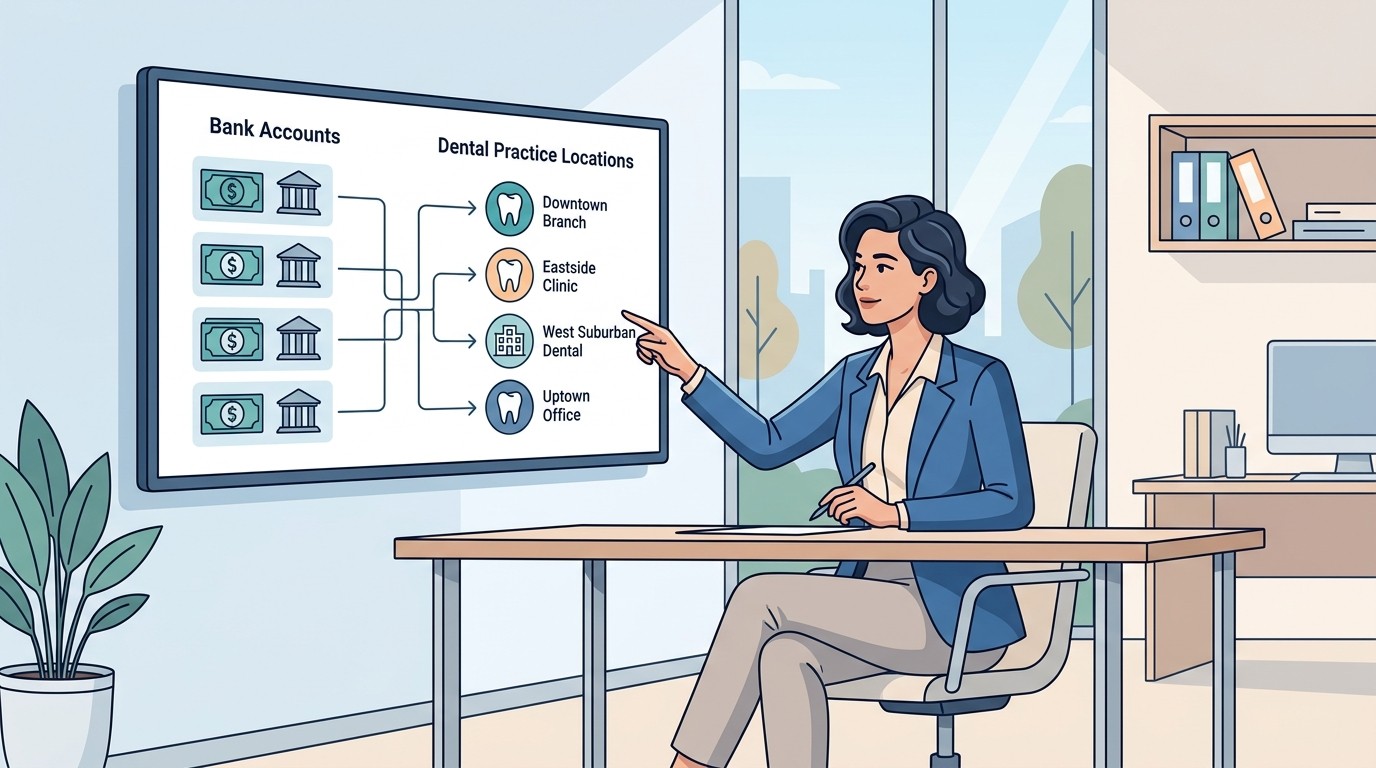
If you operate multiple locations or plan to grow, verify the software supports multi-location reporting. You should be able to see each location's reconciliation status independently, view consolidated reports across all locations, set location-specific rules and thresholds, and manage user access by location.
DSO-specific features like centralized dashboards and cross-location variance reporting matter if you are scaling beyond a few locations.
Historical Analysis
Some software only shows current transactions. Better tools maintain historical records that let you analyze trends over time, investigate past discrepancies, prepare for audits or practice sales, and compare performance across periods.
Ask how far back historical data is retained and whether you can export it for external analysis.
Reporting and Alerts
Daily exception reports should arrive automatically without requiring you to log in. Threshold alerts should notify you when discrepancies exceed a set amount. Summary reports should provide weekly or monthly reconciliation status.
Ask what reports are available and whether they can be customized. A flexible reporting engine is more valuable than a fixed set of canned reports.
Audit Trail
Every action in the software should be logged. Who resolved an exception, when, and what was the resolution. This audit trail protects you during CPA reviews, practice sales, and any situation where you need to demonstrate financial controls.
Ask whether the audit trail is immutable. If users can delete or modify historical records, the audit trail loses its value.
Questions to Ask Vendors
Before committing to any software, have detailed conversations with vendors. Here are the questions that matter most.
Implementation Questions
How long does implementation take? Simple tools might be live in a day. More complex integrations can take weeks.
Who handles implementation? Some vendors provide dedicated onboarding support. Others hand you documentation and expect you to figure it out.
What data migration is included? If you want historical transactions imported, confirm this is part of implementation.
What training is provided? Your team needs to understand the software to use it effectively. Ask about training format, duration, and ongoing resources.
Support Questions
What support channels are available? Phone, email, chat, and ticket systems all have different response times and effectiveness.
What are support hours? If you reconcile at 6 PM and something breaks, will anyone answer?
Is support included in the price or billed separately? Some vendors charge premium rates for support beyond basic questions.
What is the average response time? Ask for actual metrics, not aspirational targets.
Security Questions
How is data encrypted in transit and at rest? Standard answers involve TLS for transit and AES-256 for storage.
Where is data hosted? Cloud hosting through major providers like AWS or Azure is typical. Ask about geographic location if you have regulatory requirements.
What certifications does the vendor hold? SOC 2 Type II is the baseline for financial software. HIPAA compliance matters for any tool touching patient data.
How is access controlled? Role-based permissions, two-factor authentication, and session management all matter.
Contract Questions
What is the contract term? Monthly commitments offer flexibility. Annual contracts may provide discounts but lock you in.
What happens to your data if you cancel? You should be able to export your data before termination.
Are there setup fees? Some vendors charge substantial implementation fees on top of subscription costs.
How are price increases handled? Multi-year contracts should specify price escalation limits.
Evaluating ROI
Reconciliation software is not free. Evaluate whether the investment makes sense for your practice.
Time Savings
Calculate your current time spent on reconciliation. Include daily matching, researching discrepancies, and monthly close activities. Multiply by the hourly cost of whoever performs this work. Good software should cut this time by 70 to 90 percent.
For example, if your office manager spends 45 minutes daily on reconciliation at an effective rate of $30 per hour, that is roughly $5,600 per year. Software that reduces this to 10 minutes saves over $4,000 annually in time alone.
Revenue Recovery
Software that catches discrepancies you were missing delivers direct financial return. Ask vendors about average recovery amounts for practices similar to yours. Common recoverable items include insurance payments that never deposited, credit card batches that settled short, and patient payments posted but not collected.
The average dental practice loses $25,000 to $50,000 annually to revenue leakage. If reconciliation software catches even 20 percent of this, it pays for itself multiple times over.
Error Reduction
Manual processes invite errors. Staff may post payments to wrong accounts, miss discrepancies, or let unresolved items linger. Software enforces consistency and creates accountability. While harder to quantify, error reduction has real value.
Audit Readiness
If your practice ever faces a CPA review, acquisition due diligence, or dispute with a payer, clean reconciliation records are invaluable. The cost of recreating records manually far exceeds the cost of maintaining them automatically.
Red Flags to Avoid
Some signals suggest a reconciliation tool is not ready for production use.
Unofficial or unsupported PMS integrations may break without warning when the PMS vendor updates their software. Ask explicitly whether the integration is official.
Vendors who cannot provide reference customers similar to your practice may not have experience with your specific needs.
Complex pricing structures with per-transaction fees, overage charges, and add-on modules make it difficult to predict actual costs.
Limited reporting or no historical data suggests the software is designed for basic matching only, not comprehensive reconciliation.
No audit trail or mutable records indicate the software was not built with financial controls in mind.
Making the Decision
Narrow your options to two or three vendors that meet your requirements. Request demos with your actual use cases — not generic presentations. Ask each vendor to show how their software handles a multi-ERA insurance deposit, an unmatched credit card batch, and a discrepancy research workflow.
Talk to reference customers. Ask about implementation experience, ongoing support quality, and whether the software delivers on its promises.
Negotiate terms. Subscription prices are often flexible, especially for multi-year commitments or multi-location deployments.
Start with a pilot if possible. Some vendors offer trial periods or money-back guarantees. Use this time to verify the software works with your specific systems before full commitment.
The right reconciliation software transforms a daily chore into a quick review. The wrong software adds complexity without solving problems. Take time to evaluate properly.
Looking for software that integrates with Dentrix, Eaglesoft, Open Dental, or Curve? See how Zeldent handles dental reconciliation with official PMS integrations and automated matching.